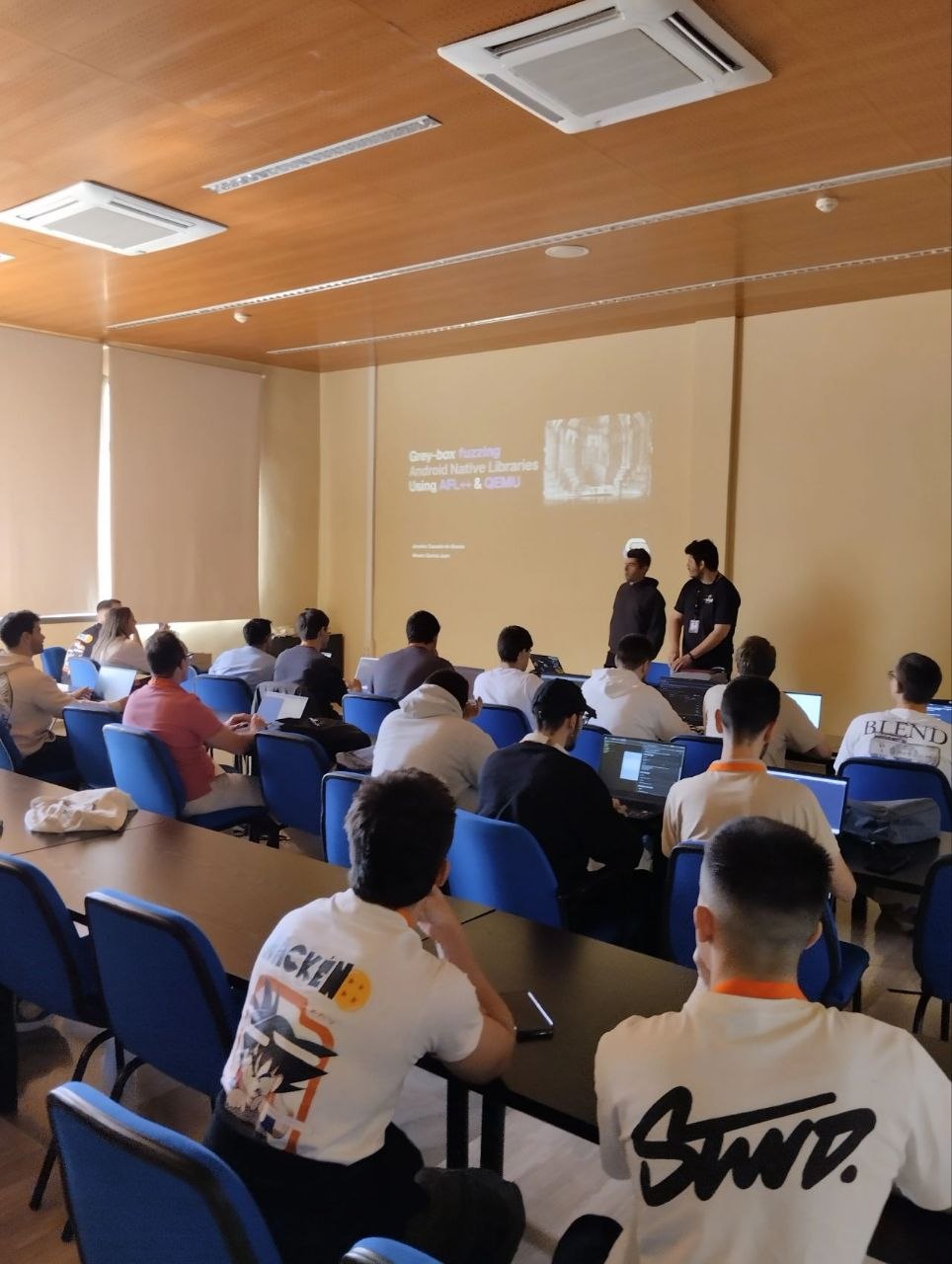
My colleague Álvaro and I had the opportunity to give a workshop at Hackén on greybox fuzzing Android native libraries with QEMU and AFL++. This post is a write-up of what we covered and why we think this stuff matters.
Why native libraries?
Android apps can execute native code in the form of compiled C/C++ libraries. These libraries are included in the APK and called from Java/Kotlin through the Java Native Interface (JNI). They’re used for performance-critical tasks, reusing existing C/C++ codebases, or simply keeping sensitive logic away from the easily-reversible Dalvik bytecode.
The thing is, native libraries are a goldmine for vulnerabilities. Buffer overflows, heap corruption, use-after-free, all the classic C/C++ bugs live here. And because most Android security tooling focuses on the Java layer, native code often goes untested.
The JNI ecosystem
Before you can fuzz a native library, you need to understand how it talks to the rest of the app. That means understanding the JNI.
When a native library is loaded (via System.loadLibrary
or System.load), the Java VM passes a JavaVM
instance to the native code. This VM object exposes functions that let
native code interact with Java objects, call Java methods, and access
fields as if it were running in the Java layer itself.
Each native method that needs to be called from Java must have a
corresponding Java method declared with the native keyword.
No implementation lives in Java, the actual code runs in the native
library. But how does the VM know which native function corresponds to
which Java method? That’s where registration comes in.
Dynamic registration
This is the simpler approach. The developer names the native function following a specific convention:
Java_<package>_<class>_<method>For example, if the Java method is
nativeLibraryFunction0 in com.example.MyClass,
the native function must be named
Java_com_example_MyClass_nativeLibraryFunction0. The VM
resolves the link automatically at runtime using
dlsym().
The downside? You need to keep the function symbols in the binary, which makes reverse engineering straightforward. Anyone looking at the native library can immediately see which Java class and method each function maps to.
Static registration
Here, the developer explicitly registers the pairing using the
RegisterNatives JNI function, typically inside
JNI_OnLoad. This call maps a Java-declared native method to
an arbitrary native function pointer. The function can have any name,
and symbols can be stripped entirely.
From a security perspective, static registration is more common in
real-world apps because it allows symbol obfuscation. From a reversing
perspective, you can hook RegisterNatives with Frida to see
the mappings even when symbols are gone.
Both approaches have their tradeoffs, and we walked through practical examples of each so attendees could recognize them during analysis.
Architecture matters
Android devices run on a variety of CPU architectures:
armeabi-v7a, arm64-v8a, x86,
x86_64. But the vast majority of devices out there are
ARM-based. That’s important because when we’re doing security analysis
or fuzzing, we want to target the architecture that’s actually running
on most devices. For our workshop, we focused on ARM.
What is fuzzing?
Fuzzing is a software testing technique where you feed malformed, unexpected, or randomly mutated input data to a program to see what breaks. Modern fuzzers are coverage-guided: they instrument the target, track which code paths each input reaches, and mutate the inputs that discover new paths to explore deeper.
The key distinction for our workshop was between white-box and grey-box fuzzing:
- White-box: you have source code, you instrument at compile time, you get fast coverage feedback.
- Grey-box: no source code available. You instrument the binary after compilation, typically using emulation or binary rewriting. Slower, but this is the real-world scenario for most third-party native libraries.
We focused on grey-box fuzzing because that’s what you’ll face when analyzing someone else’s native library.
QEMU + AFL++
Two main approaches exist for fuzzing Android native libraries:
- Fuzz on the Android device directly: compile AFL++ for Android and run it natively. Simpler harnesses, but slow and hard to scale.
- Emulate the library on your workstation with QEMU: run the native library in an emulated ARM environment from your Linux box. Harder harnesses (you need to set up the JNI environment the library expects), but way more scalable and faster.
We went with the second approach. AFL++ has built-in QEMU mode that lets you fuzz binaries compiled for a different architecture without having the source code. The fuzzer emulates the target, instruments the execution at the binary level, and feeds coverage information back to AFL++’s mutation engine.
We walked attendees through the different AFL++ flags and parameters: seed corpus configuration, dictionary files for structured input generation, memory limits, timeout values, and how to tune the fuzzer for better performance depending on the target.
Hands-on: fuzzing a custom APK
We created a deliberately vulnerable Android APK with a native library containing a few classic bugs. The idea was to give students a controlled environment to practice.
The setup was dockerized so everything worked out of the box: no dependency hell, no “works on my machine” excuses. Students loaded the APK’s native library into QEMU, wrote a simple harness, and started fuzzing. The goal was to trigger crashes in the native library by finding inputs that reached the vulnerable code paths.
Seeing a crash pop up in AFL++’s dashboard for the first time is always satisfying, and I think the attendees got a real feel for the workflow.
Wrapping up
We’re really happy with how the workshop went. The attendees were engaged, asked good questions, and by the end of it they had a working fuzzing pipeline they could adapt to real targets.
Big thanks to Hackén for the invitation and for putting together such a great event. Looking forward to the next one.